Lina · Softphone for Zadarma
Your Zadarma number on your Mac
Lina is a native SIP softphone for macOS. Zadarma is one of its account types: pick Zadarma, enter your SIP number and its password, and call.
macOS 14 or later · free for one line, no subscription
What you need
A Zadarma account
With a SIP number (six digits) and, to receive calls, a phone number routed to that SIP number.
A Mac
Running macOS 14 or later, Intel or Apple Silicon.
Lina
The free version is enough: one line, no time limit, no account to create.
Setup, step by step
Tested on a real Zadarma line in November 2026: registration, outgoing and incoming calls.
Part 1
In your Zadarma account
Open the SIP settings
Sign in to your Zadarma personal account and open the part of the settings about the SIP connection.
Note the SIP number
Six digits, for example 111111. This is the user name, not your e-mail address or your phone number.
Note the SIP password
It belongs to the SIP number and differs from your account password. You can generate a new one on the same page.
Part 2
In Lina
Add an account
Open Accounts, then click Add an account.
Pick the Zadarma account type
Lina fills in the server sip.zadarma.com and the UDP transport.
Enter your credentials
User name: the six-digit SIP number. Password: the SIP password.
Save
Lina registers at once, or tells you in plain words why it could not.
Provider documentation: zadarma.com, support.
The settings at a glance
Lina's account type fills in the server and the transport for you.
| SIP server | sip.zadarma.com |
|---|---|
| User name | your SIP number (six digits) |
| Password | the SIP password |
| Transport | UDP |
| Port | Auto |
Good to know
- Extension of a Zadarma PBX: pick “Other SIP provider”, server pbx.zadarma.com, and use the extension number as the user name (for example 1234-100).
- Incoming calls: at Zadarma, each phone number is routed to one SIP number. If Lina does not ring, check in your account that the number called leads to the SIP number entered in Lina.
- Lina keeps the connection open behind a router or a VPN, and reconnects by itself after sleep or a network change.
Frequently asked questions
Does it cost anything?
Not for one line: the free version of Lina handles one SIP account, with no time limit. Every install starts with 14 days of Lina Pro, then moves to the free version without losing anything. Lina Pro (call recording, several accounts, three-way conference, statistics) is a one-time purchase, €29 per user.
Lina says the user name or password was refused. What now?
Enter the six-digit SIP number as the user name, and the SIP password, not your account password. If in doubt, generate a new SIP password in your Zadarma account and enter it in Lina.
Can I use several SIP numbers?
Yes with Lina Pro, which registers several accounts at once and lets you choose the line for each call. The free version handles one line.
Are calls encrypted?
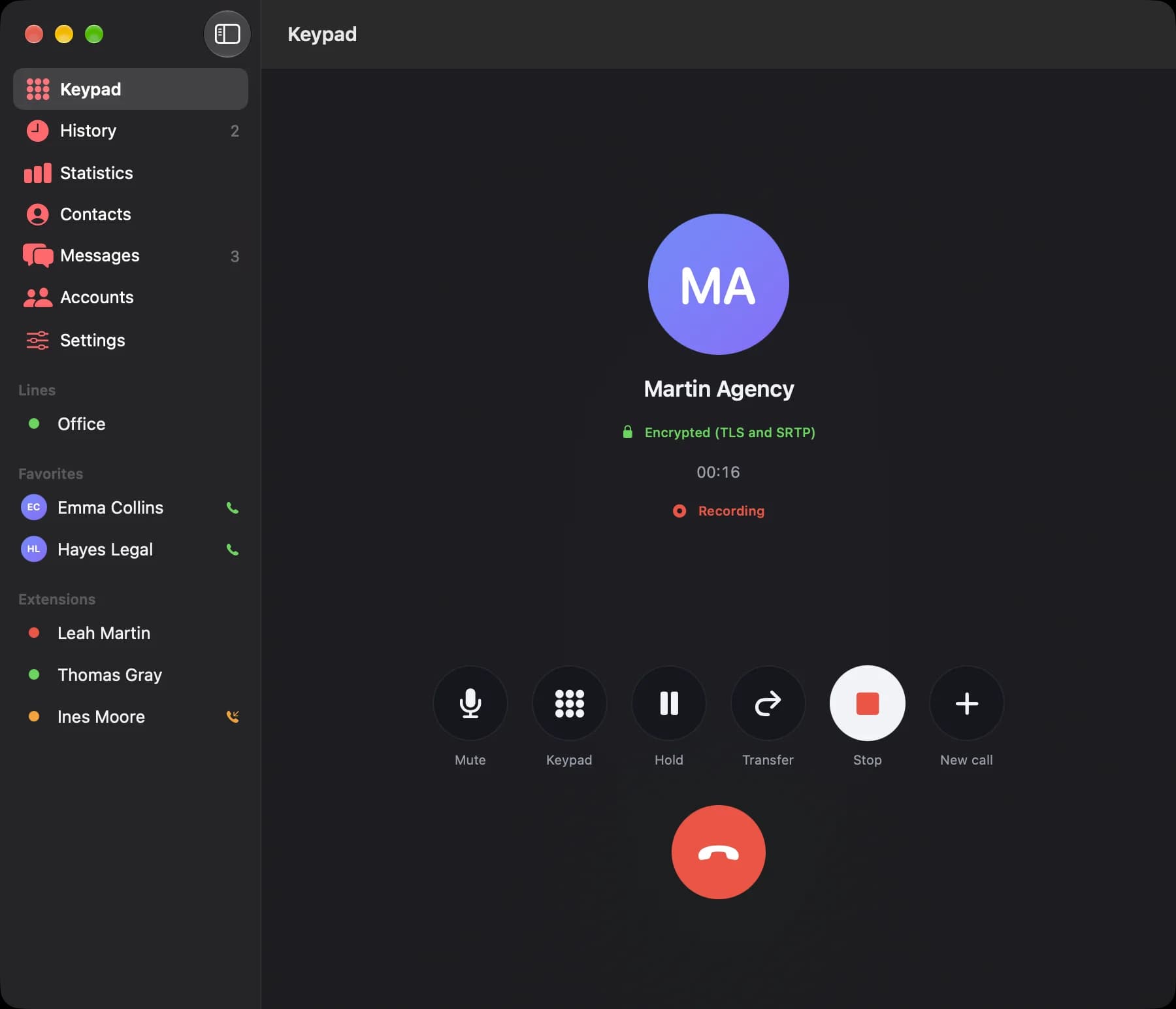
The Zadarma account type uses UDP, unencrypted. Lina shows during every call whether it is encrypted or not.
Zadarma is a trademark of its owner. Lina is an independent product and is not affiliated with it. contact@kevin-boileux.com