
Mac app · Intel and Apple silicon
Lina
The SIP softphone built for the Mac
Make and take your business calls on your Mac, with your SIP provider or your PBX: transfers, call waiting, recording, your contacts' names. Native, fast, with no account and no telemetry.
macOS 14 or later · in English, French, Spanish and German · 14 days of Lina Pro free
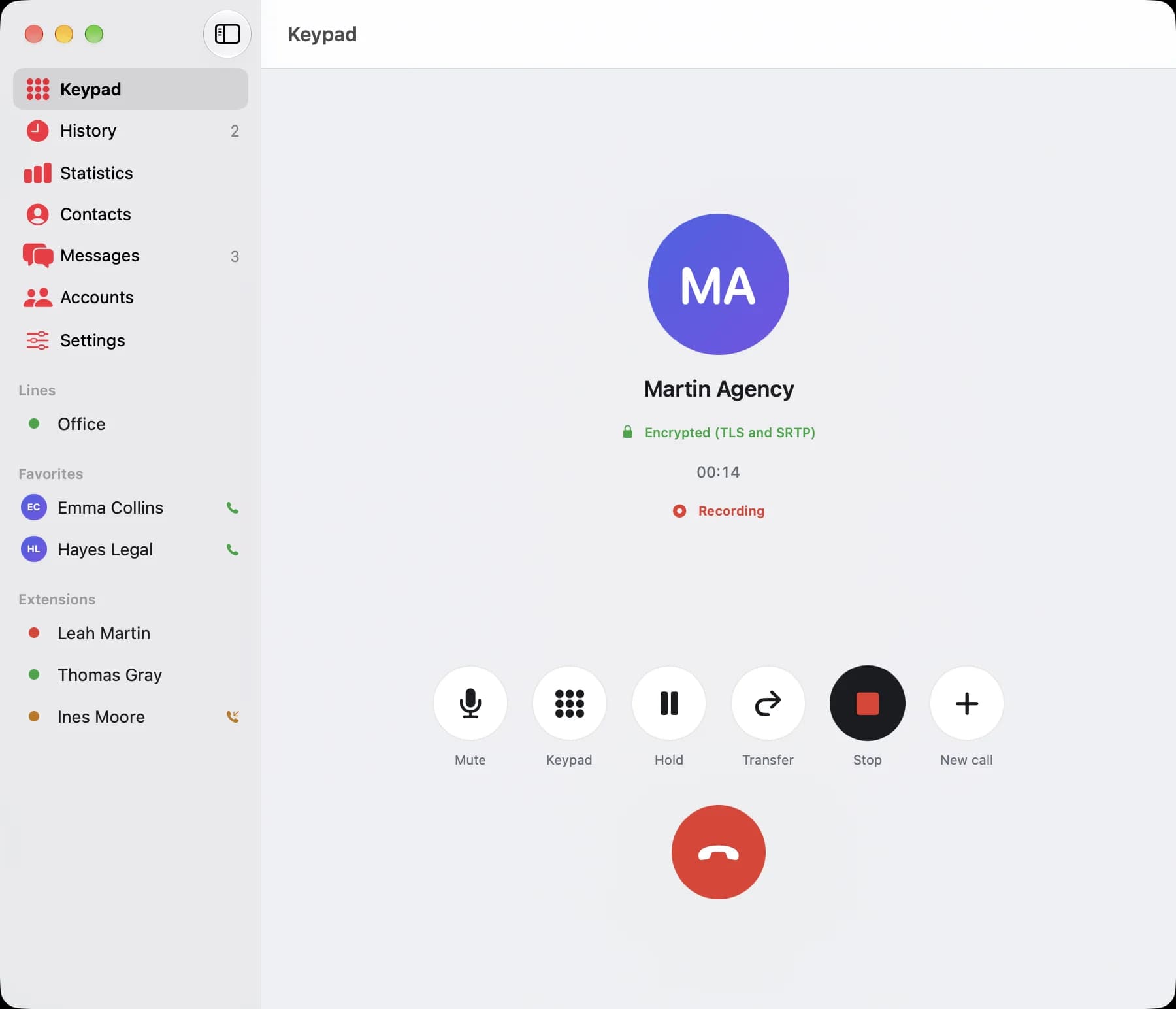
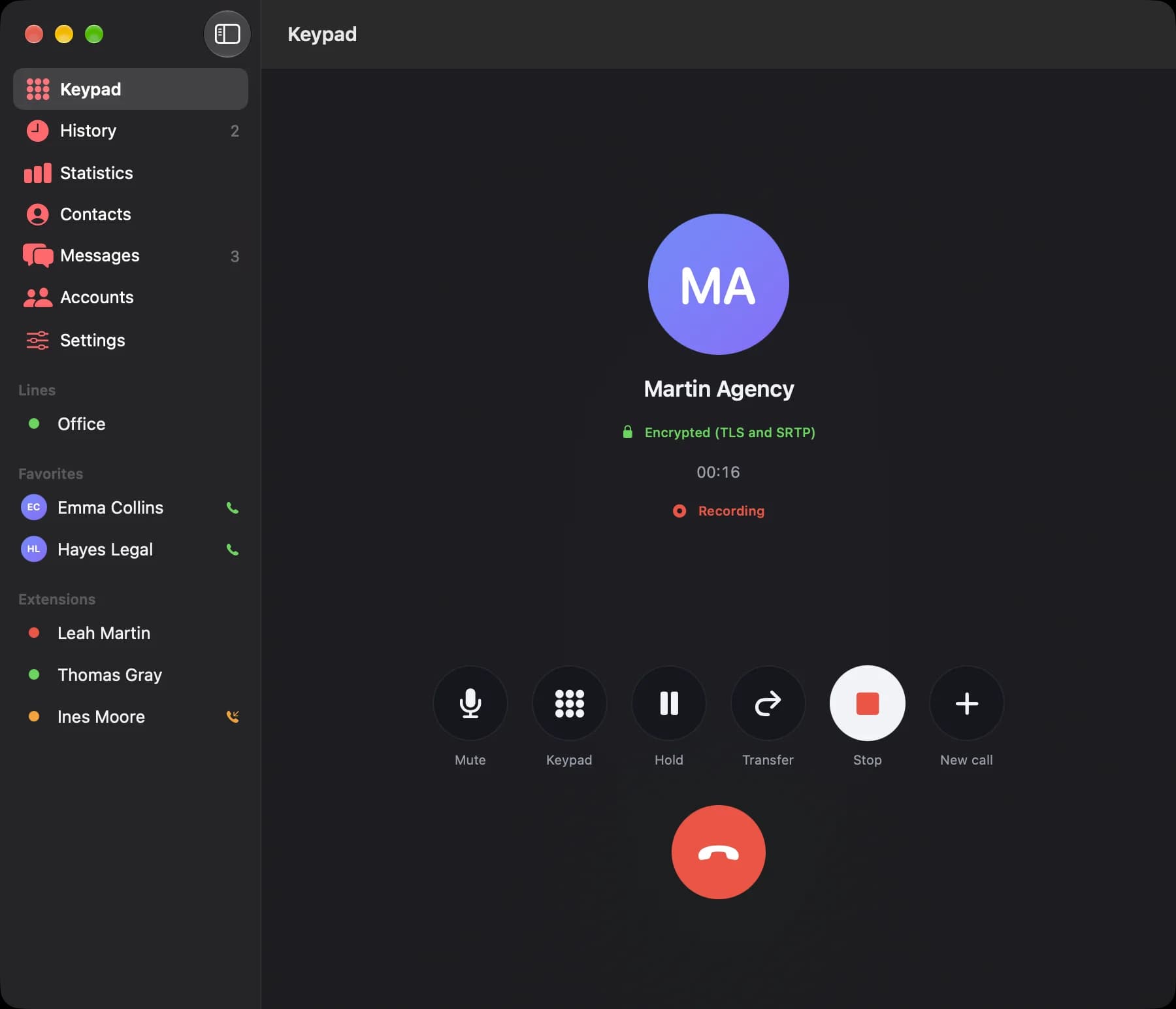
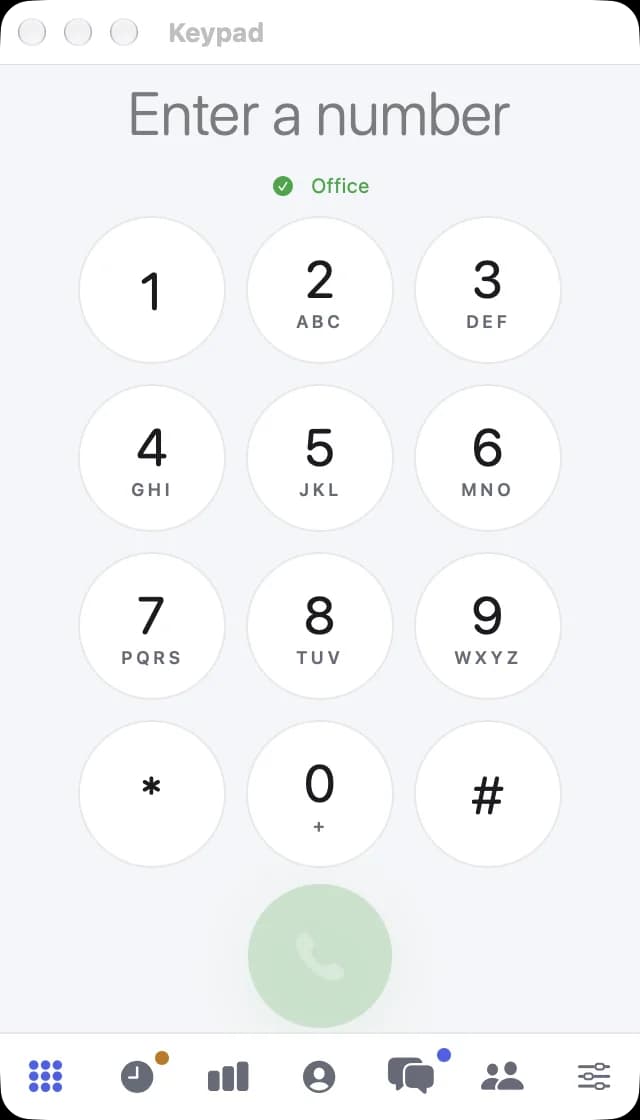
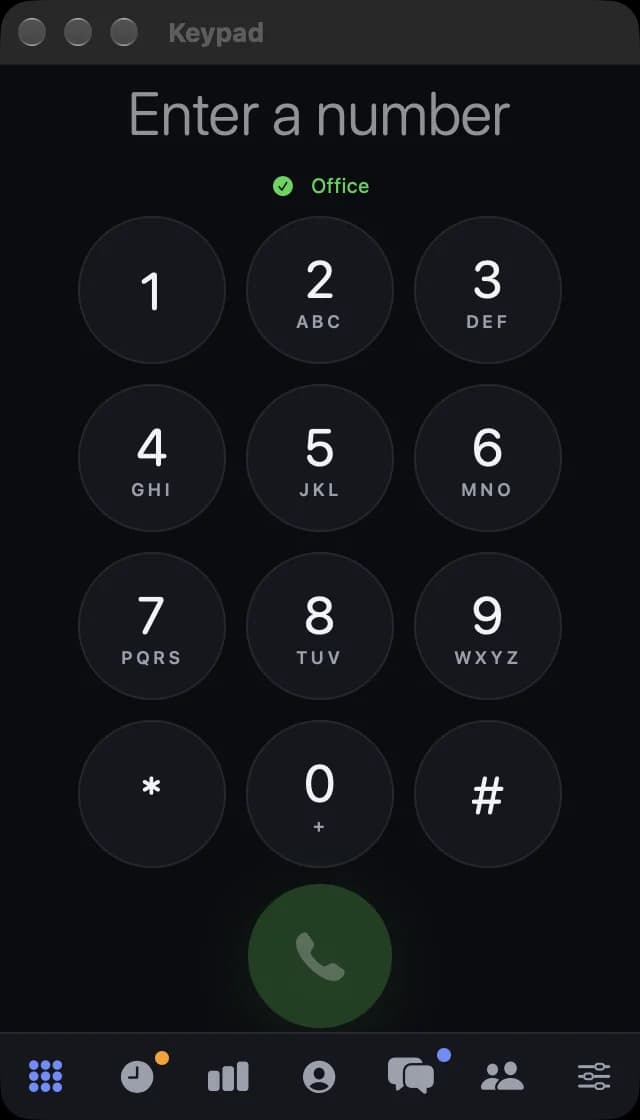
Everything a desk phone should do, on your Mac
Calls without surprises
Hold, call waiting with one-click switching, a keypad for phone menus, and a clear reason when a call fails: busy, unknown number, provider unreachable.
Transfers and three-way calls
Transfer a call straight away, introduce the caller to your colleague first, or join your two calls into a conference.
Recording and transcripts
One button during the call: the file goes to Music, Lina, or to the folder you choose. Lina can also write out what was said, with who said what, and the history's search finds it. It all happens on your Mac (transcripts need macOS 26), and nothing leaves it.
Your Mac contacts
Lina recognizes numbers from the Contacts app on your Mac, iCloud and other accounts included: the caller's name and photo appear during the call, and your contact lists are available in Lina.
Click to call
Click a number in your browser, your CRM or Contacts (tel:, callto: and sip: links) and Lina dials it. Your favourites and your lines stay one click away in the sidebar.
Verifiable encryption
TLS signaling and SRTP audio. The badge only says “encrypted” when the audio really is.
Do Not Disturb
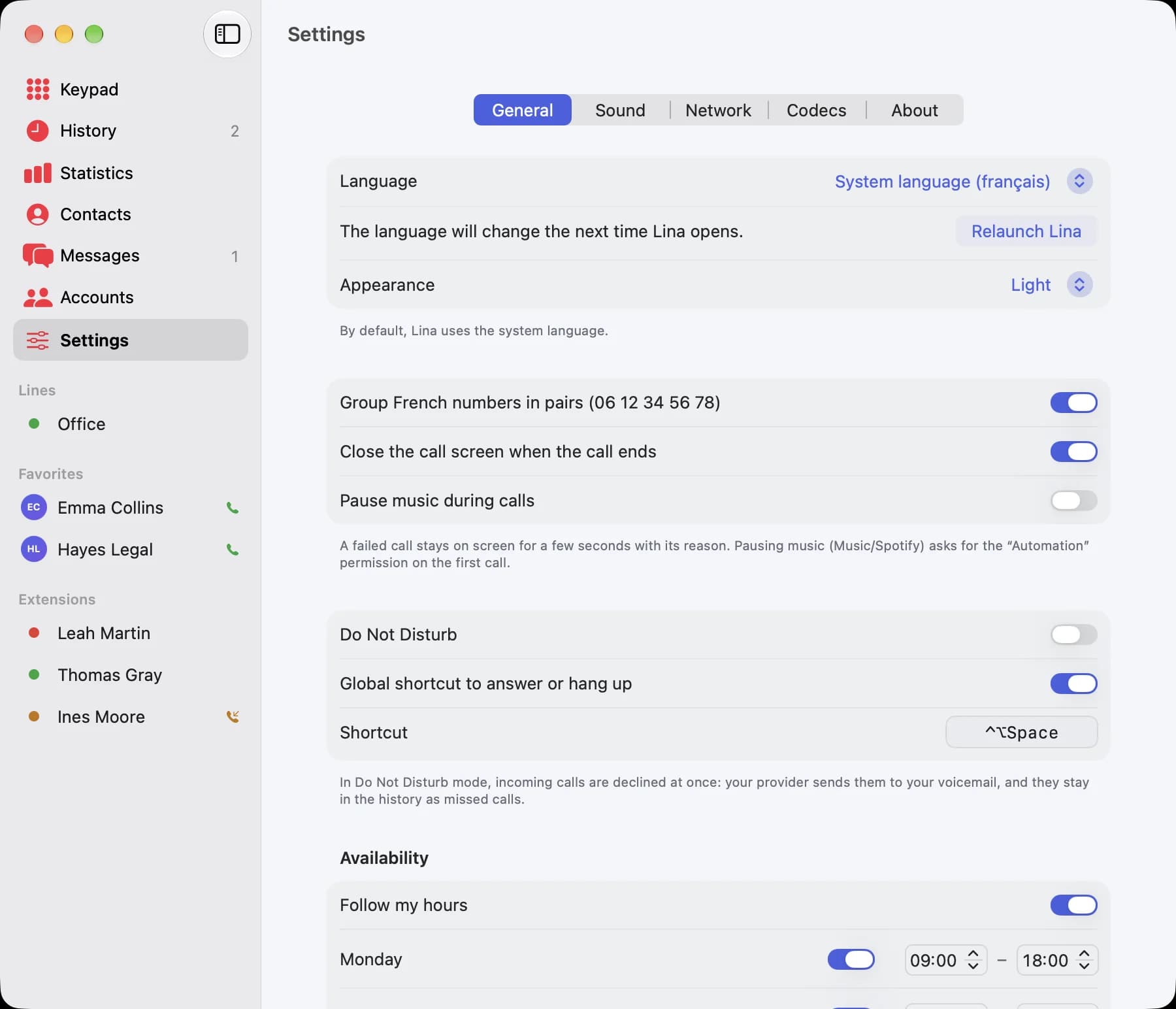
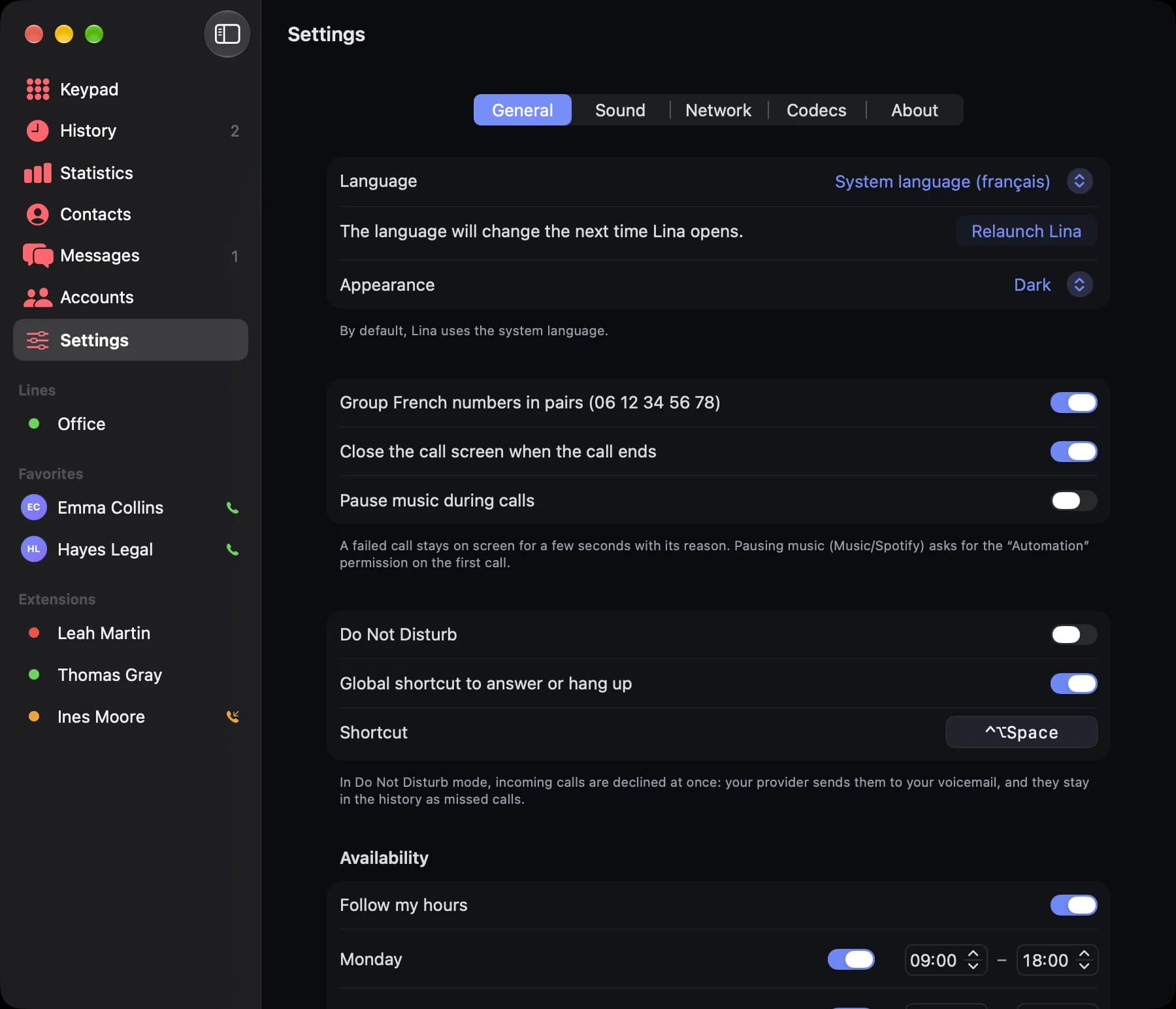
Calls go to your voicemail and stay in the history. And a keyboard shortcut of your choice answers or hangs up from any app.
History and statistics
Call volume, answer rate, durations, most-called numbers, and CSV export of your history for your spreadsheet.
Voicemail and menu bar
Voicemail indicator, notifications with Answer and Decline, and controls in the menu bar. A choice of ringtones, or your own audio file.
Your colleagues' extensions
See who is free, whose phone is ringing and who is on a call, and pick up with one click the call ringing at an absent colleague's desk. With PBXs that offer extension monitoring (BLF).
Messages between colleagues
Write to the SIP users of your PBX or provider, by their extension number, without leaving Lina. These are not SMS.
Ready for a team
A configuration link or file fills in everyone's settings, an MDM can enforce them, allowed destinations included, and Lina opens the caller's record in your CRM at each call.
Take a tour of Lina
Pick a screen, or let it play. Every screenshot comes in light and in dark.
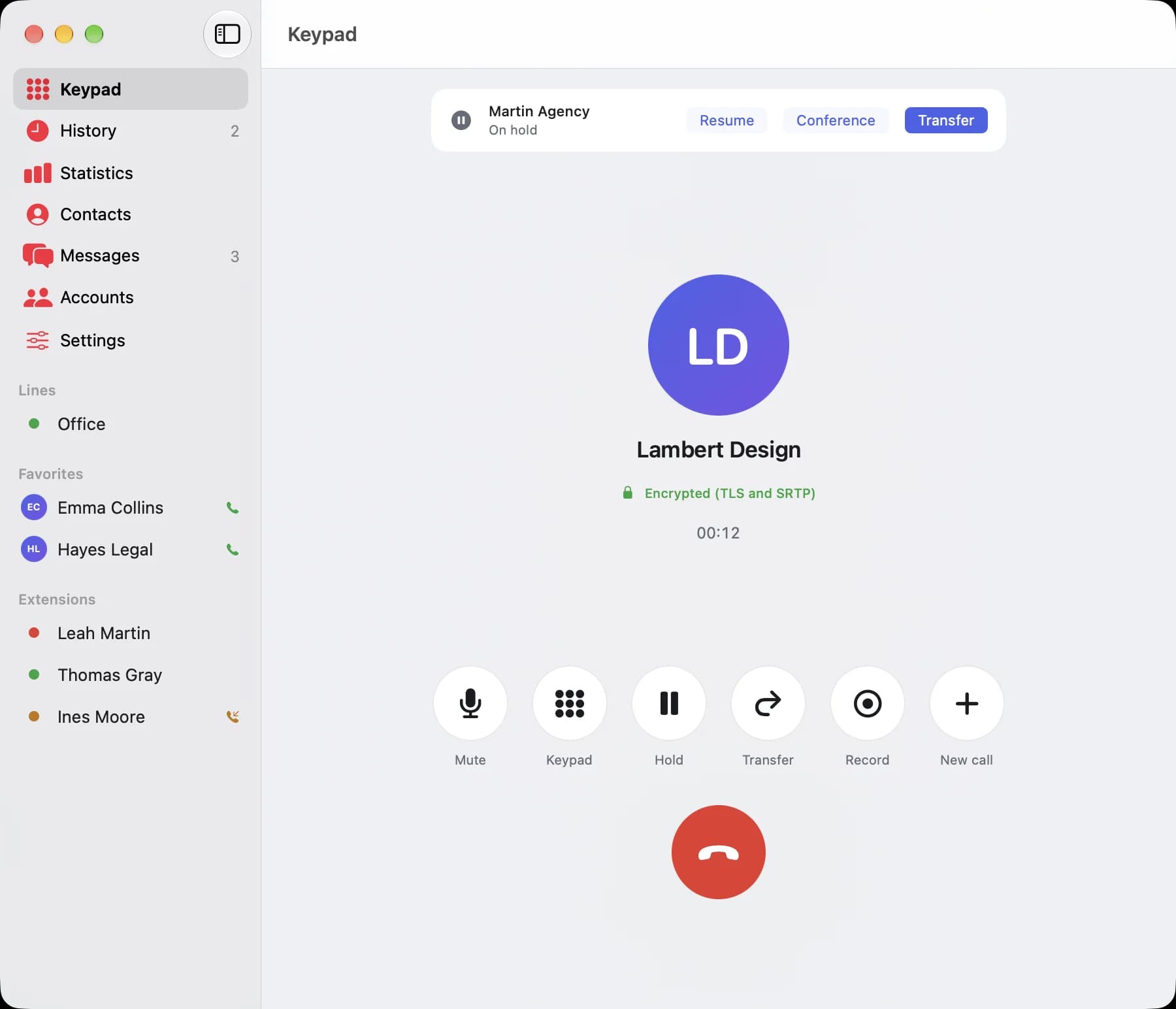
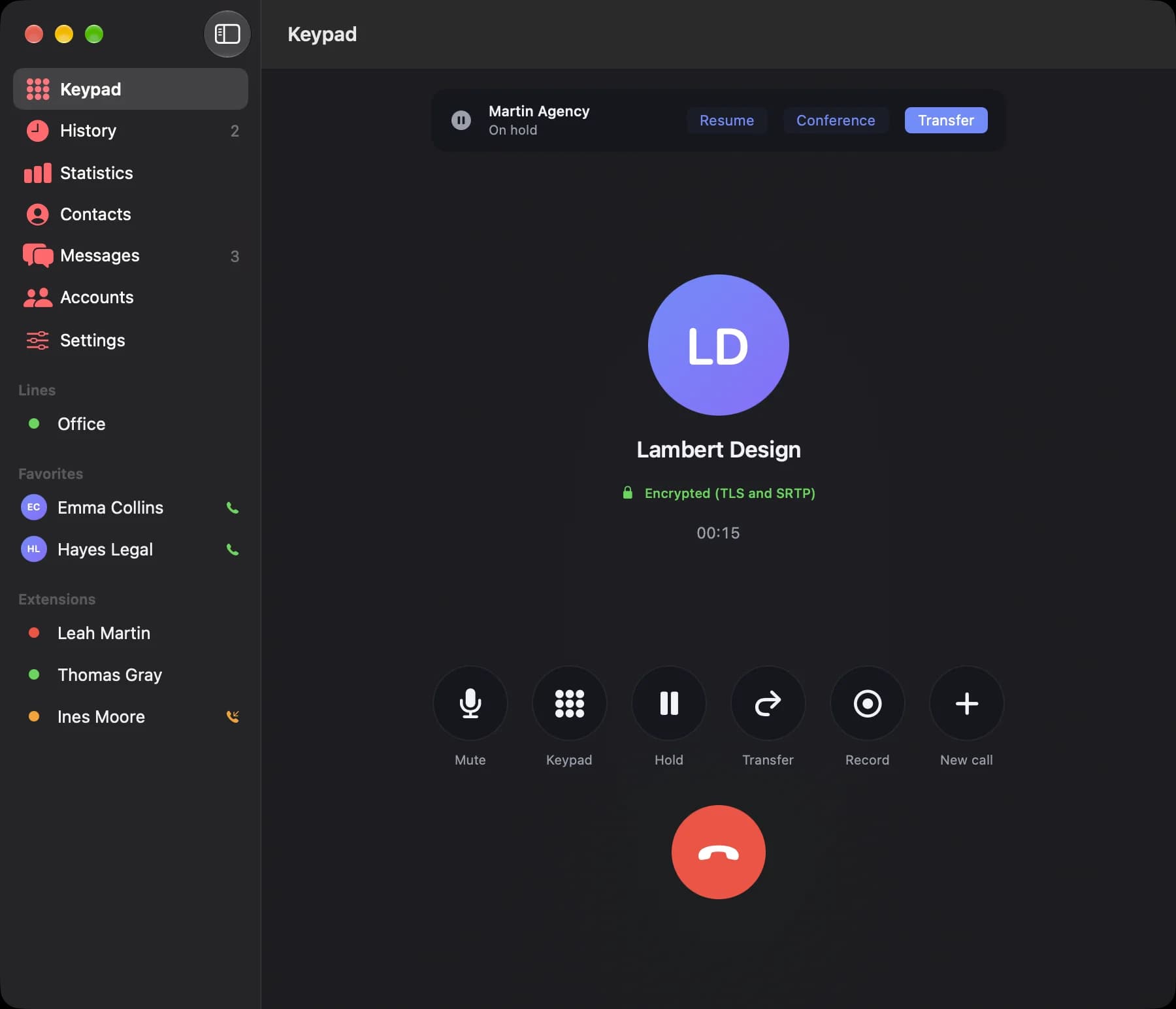
- Call waiting and transfer. A second call comes in or goes out: the first one waits. Resume it, transfer it or merge both, in one click.
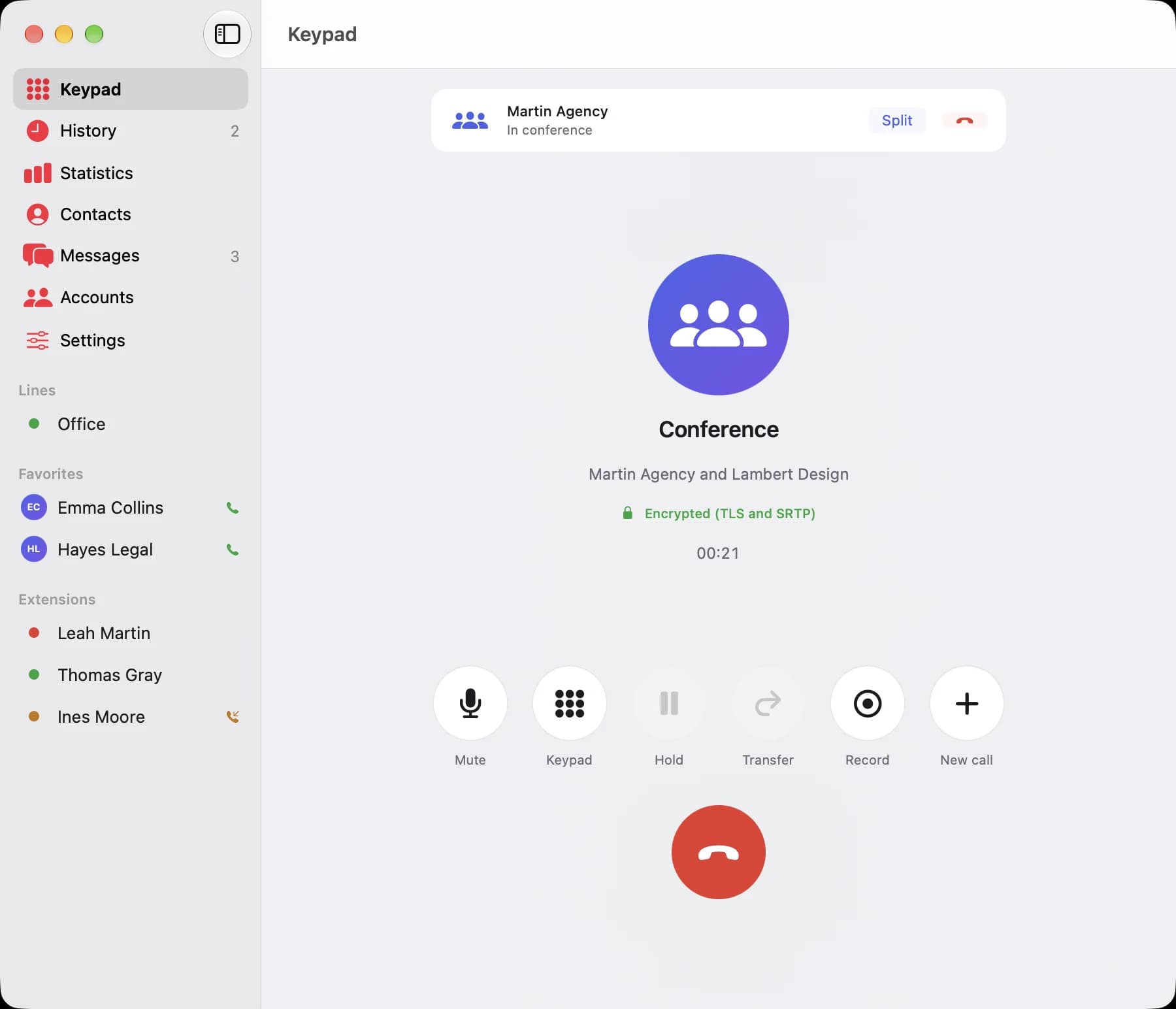
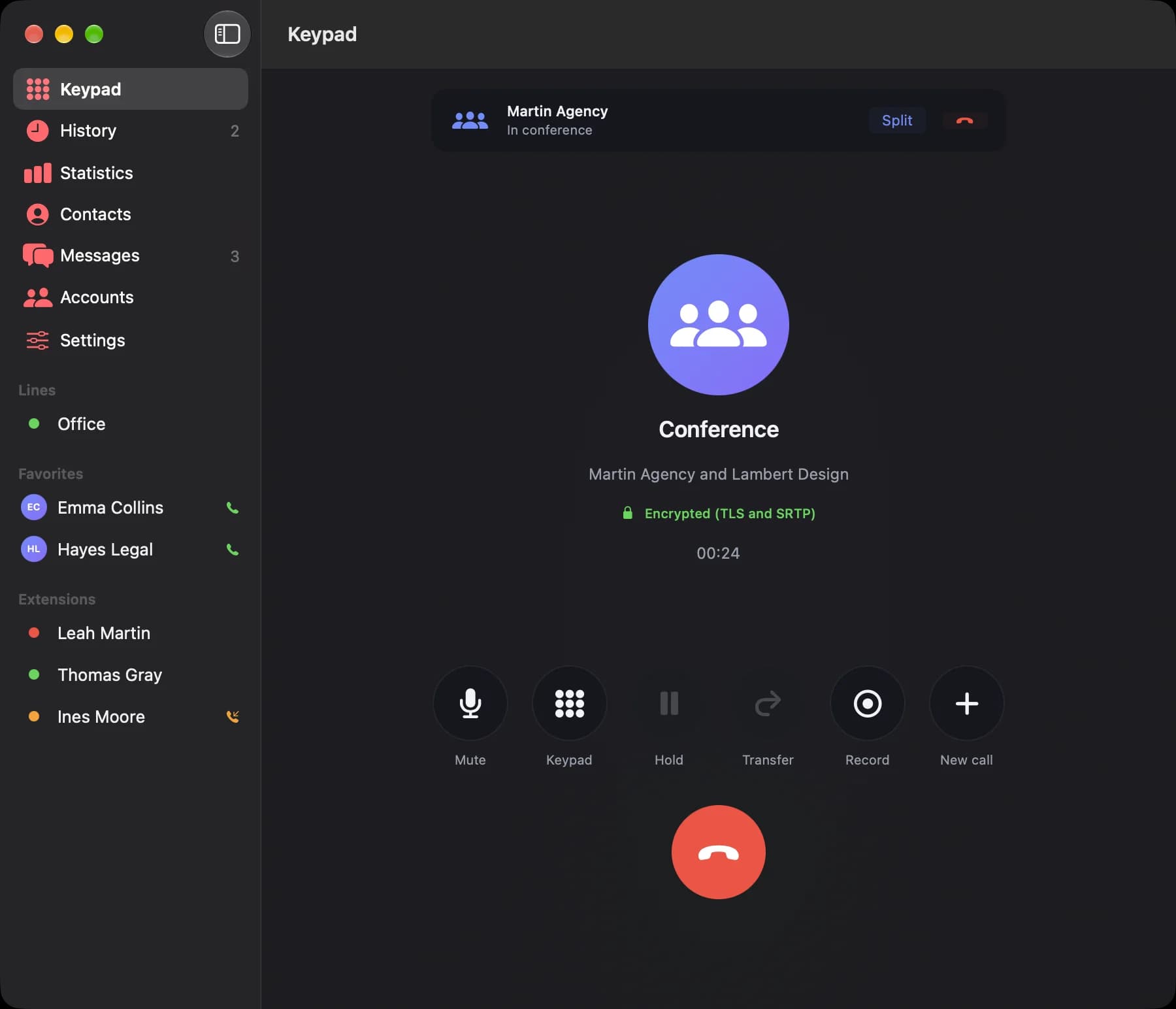
- Three-way conference. Both callers talk to each other, and to you. Split them whenever you like. The badge tells you whether the call is encrypted.
- Your calls, in writing. Lina writes out what was said during a recorded call, with who said what. It all happens on your Mac (macOS 26), nothing leaves it, and the history's search finds every word.
- Your colleagues, one click away. Write to the users of your PBX without leaving Lina. In the sidebar, a lamp shows who is free, who is ringing, who is on a call.
- Call notes and callbacks. Write down what was said, mark who to call back and when. Calls to return stay at the top of the history.
- Your contacts, with their photo. Names, photos and lists from your Mac's Contacts app, iCloud included. One click calls.
- Your activity at a glance. Call volume, answer rate, durations and most-called numbers. CSV export for your spreadsheet.
- Shrunk to the size of a keypad. Narrow the window: Lina becomes a small phone sitting in a corner of your screen, with every feature.
- Your hours, your shortcut. Outside your hours, calls go to voicemail. Choose the keyboard shortcut that answers, and a light or dark appearance.
Free to start, Pro for work
Free
€0no time limit
- One SIP account
- Calls, hold, blind transfer, call waiting
- Click to call and Do Not Disturb
- Outgoing calls limited by prefix
- Voicemail and notifications
- Messages between SIP users
- The last 30 calls
Lina Pro
€29per user, one-time purchase, all version 1 updates included
- Everything in the free version
- Call recording, with transcripts written on your Mac
- Names, photos and lists from the Contacts app
- Multiple SIP accounts
- Attended transfer and three-way conference
- Monitored extensions (BLF) and call pickup
- Up to 30 calls at once
- CRM record at each call
- Destinations enforced by the organisation (MDM)
- Unlimited history and CSV export
- Call statistics
- Availability hours, call notes and callbacks
For a team, choose the number of users at checkout: a single key, to install on each person's Mac. Full refund on request within 14 days. Volume pricing from 5 users
Secure payment by Stripe, which issues the receipt, taxes included. Your key arrives by email right away.
Works with your provider
Lina speaks standard SIP, over UDP, TCP or TLS, with or without registration (IP-authenticated accounts included): SIP providers, trunks, Asterisk, FreePBX, 3CX, Wazo and most PBXs on the market. Ready-made account types: FRITZ!Box, Freebox, 1&1, Linphone, Placetel, sipgate, Telekom, Zadarma. FRITZ!Box compatibility confirmed by a user on a FRITZ!Box 7590 AX.
Setup guides:ZadarmaAsterisk / FreePBX
One-time purchase
€29 once, no subscription. The free version has no time limit.
No mandatory provider
Lina connects to the telephony you already have: router, PBX or SIP provider. No account to create, no cloud in between.
Truly native
An app written for the Mac: light, fast, with a window that shrinks down to the size of the dial pad.
At the office or away
On the road, Lina works through your VPN, WireGuard included, as if you were on site.
“Finally, a native macOS softphone that works seamlessly with my FRITZ!Box 7590 AX and Deutsche Glasfaser connection, even remotely via WireGuard. Clean design, intuitive operation and outstanding developer support. Highly recommended!”
Frequently asked questions
Is Lina really free?
Yes. The free version has no time limit and handles one SIP account. Every installation starts with 14 days of Lina Pro so you can try everything; after that, Lina goes back to the free version without losing anything.
How many Macs can I install Lina Pro on?
A license is assigned to one person, who can install it on their own Macs, up to three. The key is activated online; removing it from a Mac (Settings, About) frees its place. For several people, you need one license per user.
How do I set up a team?
Choose the number of users on the checkout page: you get a single key showing that number, to install on each person's Mac. When someone leaves, their license can move to a colleague.
Does Lina work with my provider?
If your provider or PBX gives you a standard SIP account (username, password, server), yes. Lina handles UDP, TCP and TLS, as well as IP-authenticated accounts. Try it during the free trial.
Do I need a subscription or an account with a specific provider?
No. Lina Pro is a one-time purchase, €29 per user, and the free version has no time limit. Lina does not tie you to a provider or an online service: it connects directly to the SIP account you already have, on your router, your PBX or with your provider.
Does Lina work with a FRITZ!Box?
Yes, confirmed by a user on a FRITZ!Box 7590 AX connected to Deutsche Glasfaser fibre. Lina registers with the box itself, whatever your internet provider. On the FRITZ!Box, create an IP phone (Telephony, Telephony Devices, Configure New Device), then pick the “FRITZ!Box” account type in Lina and enter the user name and password you chose. Away from home, Lina works through the box's WireGuard VPN.
Which languages is Lina available in?
English, French, Spanish and German: Lina follows your Mac's language, or the one you pick in its Settings.
Am I allowed to record my calls?
Yes, as long as you tell the other person before you start: recording a conversation without their knowledge is prohibited in France, as in most countries. Lina reminds you of this and shows the recording for as long as it lasts.
What happens to my data?
It stays on your Mac: accounts, contacts, history, messages, recordings and their transcripts. Passwords are kept in the macOS keychain. Lina has no account and no telemetry; its only connections go to your provider, once a day to the list of updates, and to our server for the Lina Pro trial and activation, with an anonymous fingerprint of the Mac and nothing else.
Where should I download Lina?
Only from lina-softphone.com, or through the update built into the app. That version is signed and checked by Apple (notarized), so macOS opens it without a warning. A copy found anywhere else comes with none of these guarantees.
What if Lina isn't right for me?
Write to contact@kevin-boileux.com within 14 days of purchase and your license will be refunded in full.
Is Lina available for Windows or iPhone?
Not for now: Lina is a native macOS app, built to make the most of the Mac (menu bar, Contacts, notifications, keychain).