Lina · Softphone for Asterisk and FreePBX
Your Asterisk or FreePBX extension on your Mac
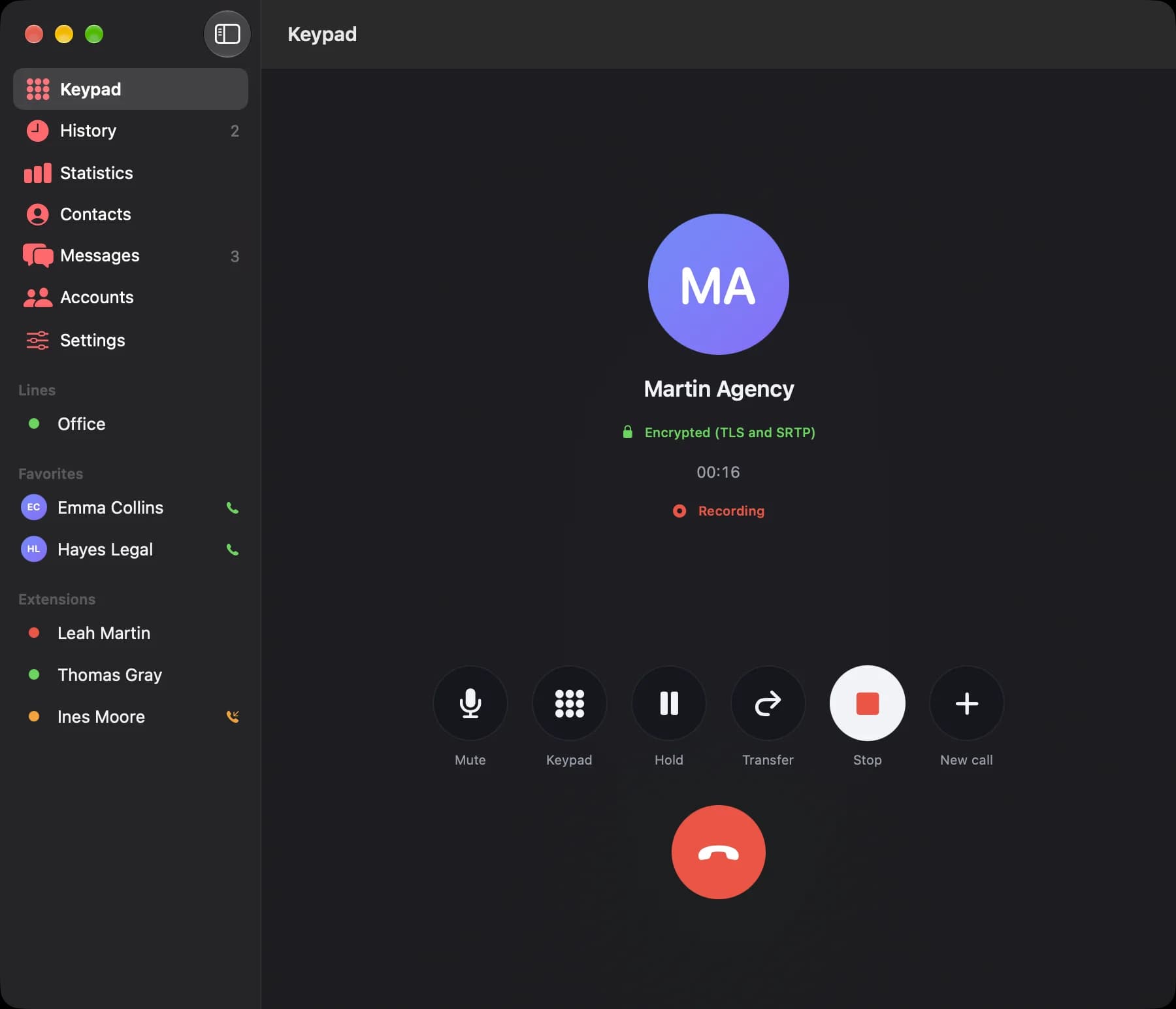
Lina is a native SIP softphone for macOS. It registers to your PBX like any SIP phone: the extension number, its secret, the server address.
macOS 14 or later · free for one line, no subscription
What you need
An extension on your PBX
A SIP (PJSIP) extension created for you, with its number and secret. Your administrator gives them to you, or you create them yourself.
A Mac
Running macOS 14 or later, on the PBX's network or linked to it through a VPN.
Lina
The free version is enough for one extension. Attended transfer, conference and recording are part of Lina Pro.
Setup, step by step
Every call feature of Lina was tested against an Asterisk 22 PBX in November 2026: calls, hold, transfers, call waiting, three-way conference, recording, monitored extensions, call pickup and messages.
Part 1
In FreePBX
Open the extensions
In the administration interface: Connectivity, then Extensions.
Create a PJSIP extension
Add Extension, then the PJSIP type. Give the extension number and the display name.
Note the secret
The Secret field is the extension's SIP password. Keep it long: it is what protects the line.
Apply
Submit, then Apply Config. On an Asterisk without FreePBX, the extension is declared in pjsip.conf (endpoint, auth, aor).
Part 2
In Lina
Add an account
Open Accounts, then click Add an account.
Pick “Other SIP provider”
SIP server: the name or IP address of your PBX, without “sip:” or a port.
Enter the extension
User name: the extension number. Password: its secret.
Choose the transport
UDP on most PBXs. TLS if yours offers it with a trusted certificate: Lina always verifies the server's certificate.
The settings at a glance
Lina's account type fills in the server and the transport for you.
| SIP server | name or IP address of the PBX |
|---|---|
| User name | the extension number |
| Password | the extension's secret |
| Transport | UDP, or TLS with a trusted certificate |
| Port | Auto (5060 for UDP, 5061 for TLS), or your PBX's own |
Good to know
- Port: if your PBX listens for PJSIP on a port other than 5060, enter it in the Port field. In FreePBX it is shown under Settings, Asterisk SIP Settings.
- Out of the office: go through the company VPN rather than opening the PBX to the Internet. Lina reconnects by itself when the VPN comes up.
- IP-authenticated trunk: Lina has an account type for it, with no credentials and no registration.
- Messages between extensions: the endpoint needs a message_context in pjsip.conf, and that context has to route the message to its recipient (MessageSend). These are not SMS.
- Monitored extensions (Lina Pro): each extension to watch needs a “hint” in the dialplan, for example exten => 101,hint,PJSIP/101. FreePBX creates it by itself. To pick up the ringing call, Lina dials ** in front of the extension number; another code can be set in the account, under Advanced.
- Voicemail: Lina shows waiting messages when the PBX announces them (MWI).
Frequently asked questions
Does it cost anything?
Not for one line: the free version of Lina handles one SIP account, with no time limit. Every install starts with 14 days of Lina Pro, then moves to the free version without losing anything. Lina Pro (call recording, several accounts, three-way conference, statistics) is a one-time purchase, €29 per user.
Lina says “Server not found”. What now?
The PBX's name does not resolve from your Mac, often because the VPN is not up. Try the PBX's IP address in place of its name.
My PBX uses a self-signed certificate. Does Lina accept it over TLS?
No, on purpose: Lina always verifies the server's certificate. Use a trusted certificate (Let's Encrypt, for example), or UDP inside your VPN.
Does Lina work with 3CX, Wazo or another brand?
Lina speaks standard SIP over UDP, TCP or TLS. Only Asterisk went through a full test campaign; for another PBX the setup follows the same logic: server address, extension user name and password.
Asterisk and FreePBX are trademarks of Sangoma Technologies. Lina is an independent product and is not affiliated with their publisher. contact@kevin-boileux.com